"I bought an ergonomic chair, but by the evening my neck and lower back are still stiff." We hear this sentence from desk workers in our clinic all the time. Usually the chair really is a good chair and the desk is fine. The problem is not the furniture; it is staying in the same shape on that furniture all day long.
Rather than hunting for the "correct posture", this article looks at how to set up your workspace and plan movement into your day. Specific problems such as neck pain, headaches or wrist symptoms have their own articles, which we link along the way.
There is no single "perfect posture"
We all know the picture: someone sitting bolt upright, back glued to the chair, knees at exactly ninety degrees. It can be a starting point, but nobody can hold it for eight hours, and people who try usually just tense their muscles all day.
What we see in the examination room is this: the main source of discomfort is rarely that a posture is "wrong". It is staying in any one position for a long time. Tissues get tired of carrying the same load through the same spot for hours. Leaning forward a little, reclining, crossing your legs for a while are not harmful in themselves; what wears you down is never changing.
The best posture is your next posture. The goal is not to hold a flawless position, but to change position often throughout the day.
This view also takes the pressure of "sit up straight" off our patients. If you catch yourself slouching, there is no need to feel guilty; simply change position, stand up, take a few steps. We have explained how screens and phones load the neck in our article on neck pain and tech neck; here we focus on the working environment.
Setting up your desk: a simple checklist, plus light
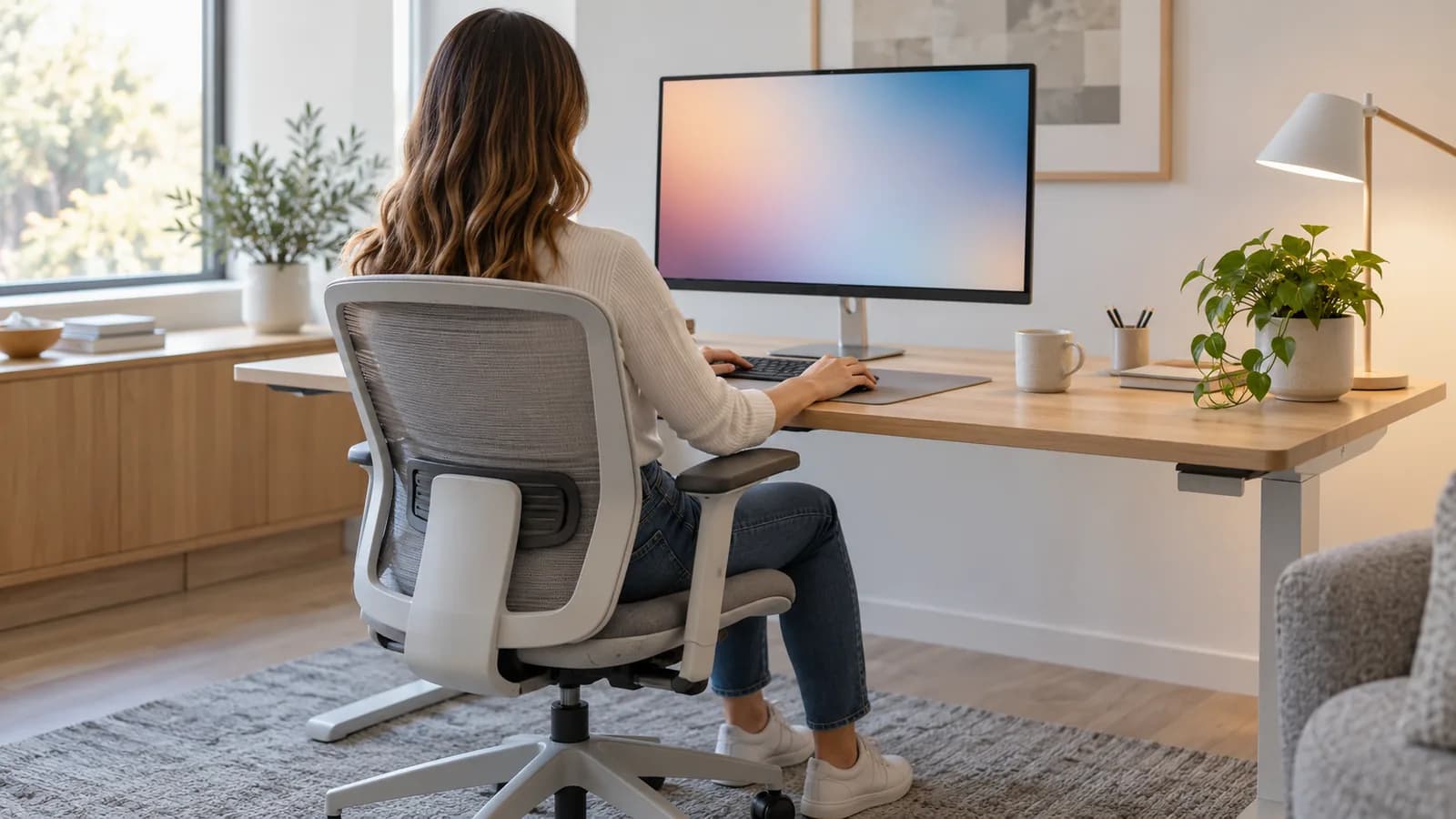
Movement is the main idea, but a well set-up desk gives you a comfortable starting position. No tape measure needed; check these points at your own desk:
- The top edge of the screen should be at or slightly below eye level, with the screen roughly an arm's length away.
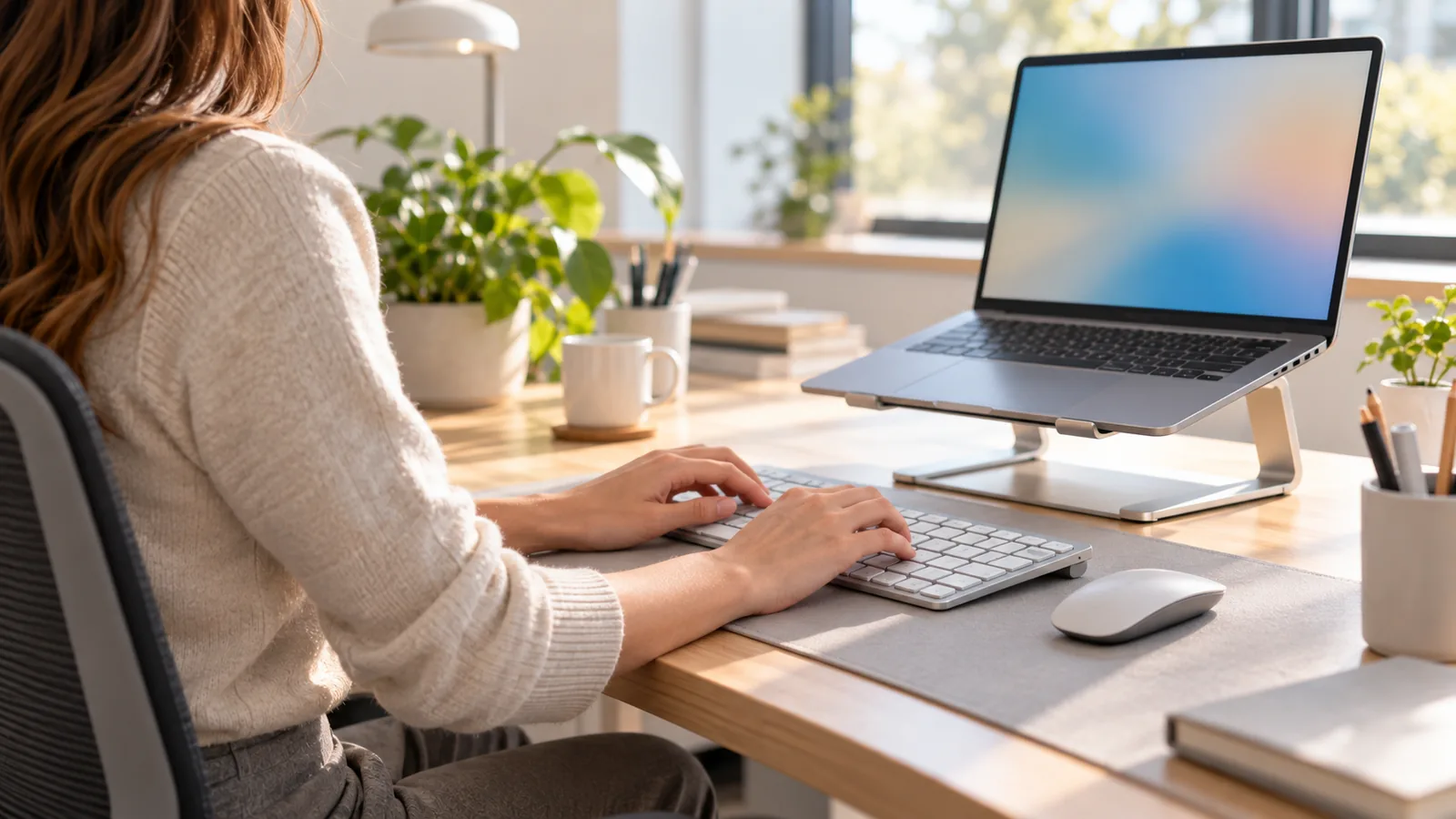
- If you work on a laptop for long periods, use a separate keyboard and mouse, or raise the laptop on a stand.
- Elbows at roughly a right angle, shoulders relaxed rather than creeping up towards your ears.
- Feet flat on the floor; if they do not reach, use a footrest or a sturdy box.
- Support for the hollow of your lower back; if the chair has none, a small cushion or rolled-up towel does the job.
- Keyboard and mouse close together; reaching sideways for the mouse all day puts unnecessary load on the shoulder.
- With two monitors, the one you look at most should be straight in front of you; if you use both equally, the line where they meet should sit in the middle.
This list is not a recipe for "correct posture"; it is a base on which your body can settle naturally. The UK Health and Safety Executive's guidance on working with display screens describes a similar set-up, recommends a separate keyboard and mouse with a raised screen for laptops, and treats breaks as part of the same guidance.
Your eyes are part of this set-up too. When we struggle to read a screen, we lean forward without noticing, and the neck pays for it. Keep screen brightness close to the room light; place the window beside the screen rather than directly behind or in front of it, to cut down glare and reflections. We blink less when we concentrate on a screen, so blinking deliberately and looking into the distance now and then helps. Persistent dryness, blurred vision or other eye complaints should be assessed by an eye doctor or optician.
Laptop on the sofa, phone in hand, office on the kitchen table
Since working from home became common, many of the "desk" complaints we see actually start on the sofa, in bed or at the kitchen table. A laptop on your lap pulls the screen down and the head forward. Working half-reclined in bed loads the lower back and the neck at the same time.
Long phone conversations by text create a similar picture: the head drops forward, while thumbs and forearms repeat small movements for hours. If numbness in the hand and fingers comes along with it, a trapped nerve at the wrist should also be considered; we cover that in our article on carpal tunnel syndrome. Moving long messages and emails to the computer whenever possible is a simple but effective habit.
A kitchen table is often higher than a desk, and kitchen chairs rarely support the lower back. Raising the laptop on a few books with a separate keyboard, putting a folded towel behind your lower back and placing a crate or box under your feet if they do not reach the floor are free but useful fixes. If working on the sofa is unavoidable, keep it for short tasks.
Movement through the day: short but frequent
You set up a desk once; a movement plan is repeated every day, and that is where the real difference lies.
Change position every 30 to 45 minutes. This does not have to be an exercise break: getting up for water, walking to the printer, or leaning back and working that way for a while all count. If you find it hard to remember, set a silent reminder on your phone or computer.
Make it a habit to take phone calls and short meetings standing up. Online meetings with the camera off can be done while walking slowly around the room.
Building movement into your surroundings works better than willpower: a small water bottle you have to refill, a printer or bin a few steps away, part of the lunch break spent walking. These small chances decide how often your position changes by the end of the day.
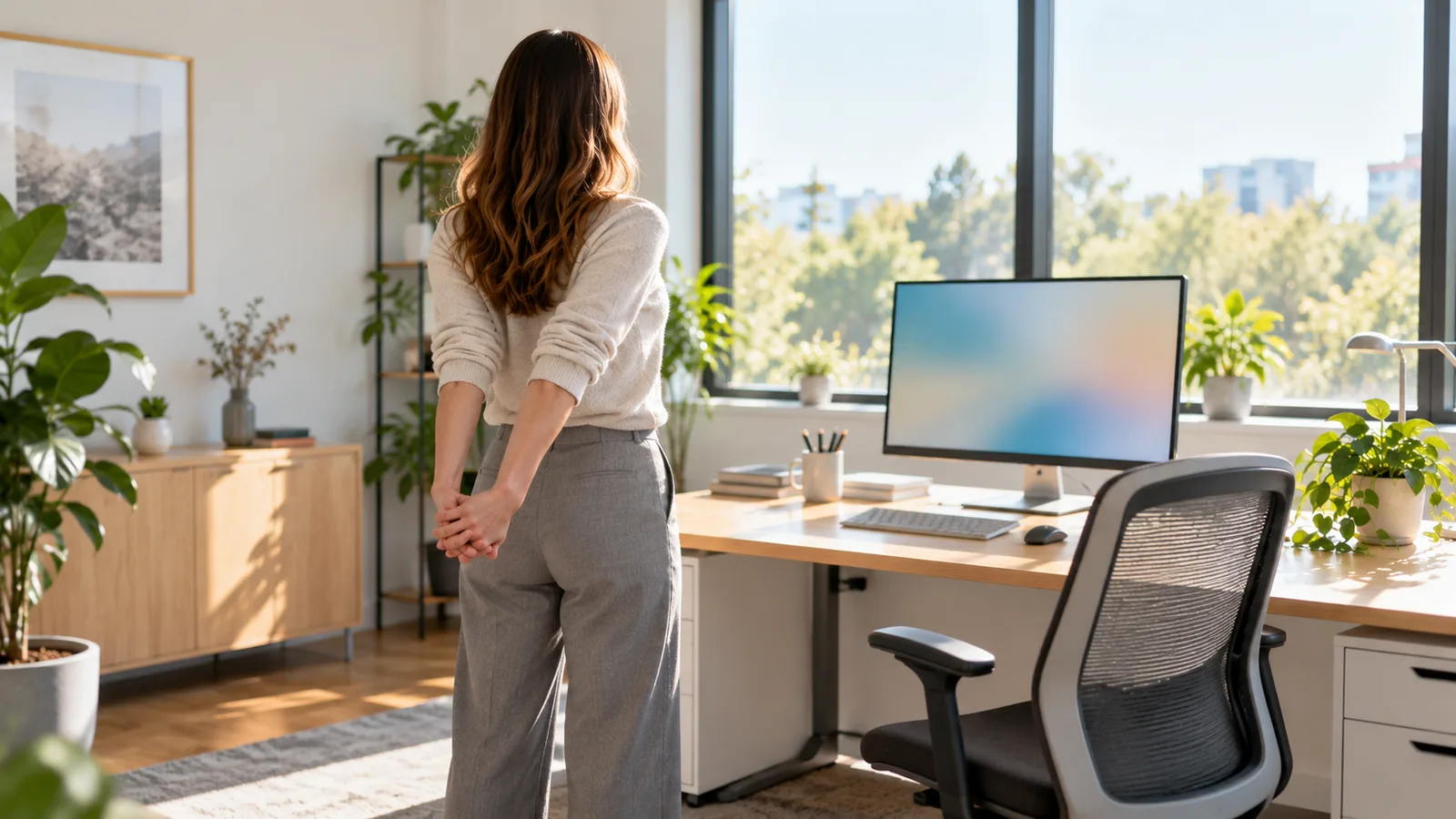
A few times a day, add a micro-routine that takes two or three minutes in total. None of these should hurt; a mild stretch is normal, a sharp pain is a sign to stop:
- Neck and shoulders: sit upright, gently draw your chin straight back (as if making a double chin), hold for a few seconds and release. Then lift your shoulders towards your ears and let them drop slowly back and down. Five of each.
- Chest opener: stand in a doorway, rest your forearms on the frame at shoulder height and lean your body gently forward until you feel a stretch across the front of the chest. Twenty to thirty seconds.
- Hip flexor stretch: standing, take a step back, bend the back knee slightly and gently push your hips forward until you feel a stretch at the front of the hip on the back leg. Twenty to thirty seconds on each side.
- Lower back extension: standing, place your hands on the back of your waist and, keeping your eyes forward, slowly lean your upper body backwards. Hold for a second or two and return; five to ten times.
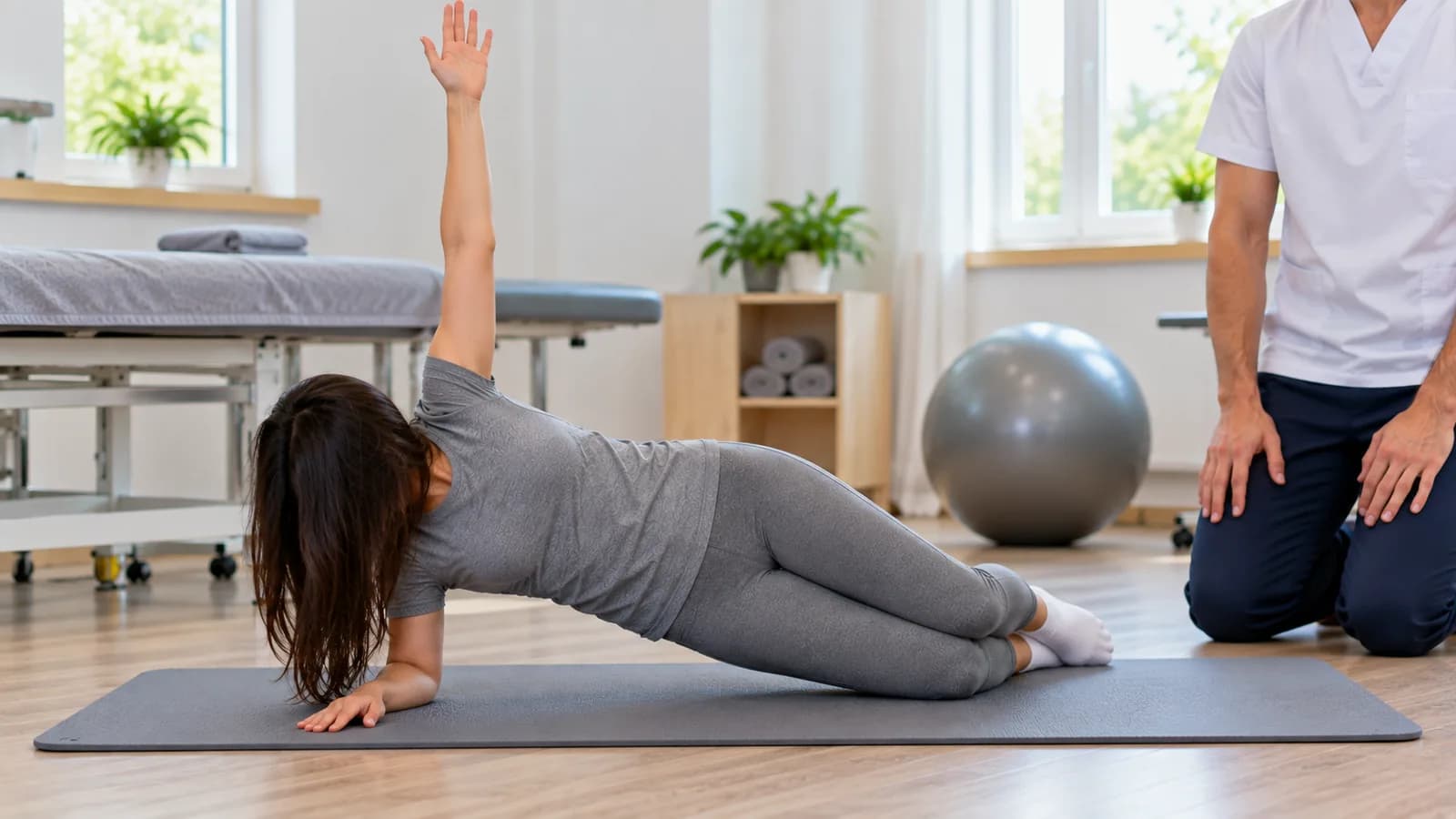
This routine moves the trunk in the opposite direction to the forward bend it holds all day. In the long run, strengthening the muscles that support the trunk matters too; a desk set-up does not replace exercise, it complements it.
Standing desks: an option, not a cure
We are often asked about height-adjustable standing desks: "Should I buy one?" You can, but do not expect a miracle. Their value lies in letting you switch between sitting and standing.
Standing all day is also a load on the body. We know this well from patients in Antalya who work standing shifts at hotel receptions, in shops or in hotel kitchens: the lower back, knees, soles of the feet and legs object to long hours on their feet as well. If you use a standing desk, alternate sitting and standing through the day, shift your weight between your feet and wear comfortable shoes.
The problem is not sitting or standing; it is staying still in either one for hours.
Desk work in Antalya: call centres, air conditioning and the café laptop
Antalya brings hotels and beaches to mind, but behind the tourism industry there is a large desk-based workforce. The booking offices of tour operators and hotels, and their call centres, work long hours in season; staff who spend hours at a screen with a headset find it hard to take breaks. In mid-season we regularly see patients from these offices with stiff necks and upper backs.
The summer heat plays its part too. When it is very hot outside, the office air conditioning often blows straight onto the shoulders; against the cold, the shoulders rise without you noticing and stay there all day. Changing the direction of the air flow or keeping a light cardigan over the shoulders is a simple step that often gets overlooked. We discuss headaches linked to tension in the shoulder and neck muscles in our article on tension-type headaches.
Then there are digital nomads and foreigners who have settled in Antalya and work remotely. Hours with a laptop at a low café table in Konyaalti or Kaleici are pleasant, but hard on the neck. If you work in cafés, a folding laptop stand and a small keyboard take up little room in a bag, and getting up now and then for a short walk along the seafront counts as part of your movement plan.
The limits of ergonomics: when to get examined
Let us be honest: a good desk set-up and frequent movement reduce evening stiffness for many people, but ergonomics alone may not solve every pain. Behind the pain there may be a disc problem, a trapped nerve, a joint issue or another cause, and in that case a new chair is not enough. Do not wait if you have numbness or tingling spreading into an arm or leg, weakness in the hand, arm or leg (such as dropping things), pain that wakes you at night or does not settle with rest, or pain that lasts for weeks or keeps getting worse despite the changes.
With these symptoms an examination comes first, and if the findings call for it, we refer you to a doctor. In the examination we assess where the problem comes from and, depending on your needs, plan an exercise programme and treatments such as manual therapy. Still, no treatment in the clinic can replace your own movement habits during the day.
In desk workers we often see that avoiding movement out of fear of pain makes things worse, so after an examination we usually give a practical daily plan rather than a list of things to avoid.
If neck, upper back or lower back stiffness that builds up at your desk by the evening has lasted longer than two weeks despite these changes, you are welcome to come to our clinic for an examination. We will go through your working routine together and put together a movement plan that suits you.